
Advanced Surveillance & CCTV Systems
Secure your property with modern, high-definition surveillance solutions
Protect Your Home & Business With Our Best-in-Class Surveill
We offer surveillance systems that are streamlined for the best end-user experience. Unlimited Scalability, Open Integrations and Powerful Ai Solutions
Welcome
We are proud installers of Digital Watchdog products. Check out their website at digitalwatchdog.com for more information.
Not sure about your needs? Contact one of us today, and one of our team members would be glad to perform a site survey to get you started!
Digital Watchdog IP VMS
Seamless Integrations and Enterprise Features
Offering numerous advanced, enterprise-level features on an endlessly customizable platform, DW Spectrum will both simplify and streamline your video surveillance management. Designed to accommodate any industry’s needs, this powerful and dependable system will reduce costs and optimize operation, allowing your company the freedom to do what it does best.
Supports and Works With Most Devices On The Market
DW Spectrum offers extensive equipment integration, supporting thousands of devices including cameras, encoders and I/O modules from leading manufacturers. Its refined user interface guarantees seamless surveillance management. And its cross-platform variability also allows users to access and manage surveillance data from anywhere, at any time.
Six Big Reasons DWS IPVMS is Your Choice
Seamless Integration
Integrate effortlessly with existing systems and devices. Nx Witness VMS ensures a harmonious blend of technology for a unified security solution. Our system effortlessly integrates with existing cameras, IoT devices, and third-party applications, creating a cohesive and powerful security solution.
Advanced Analytics
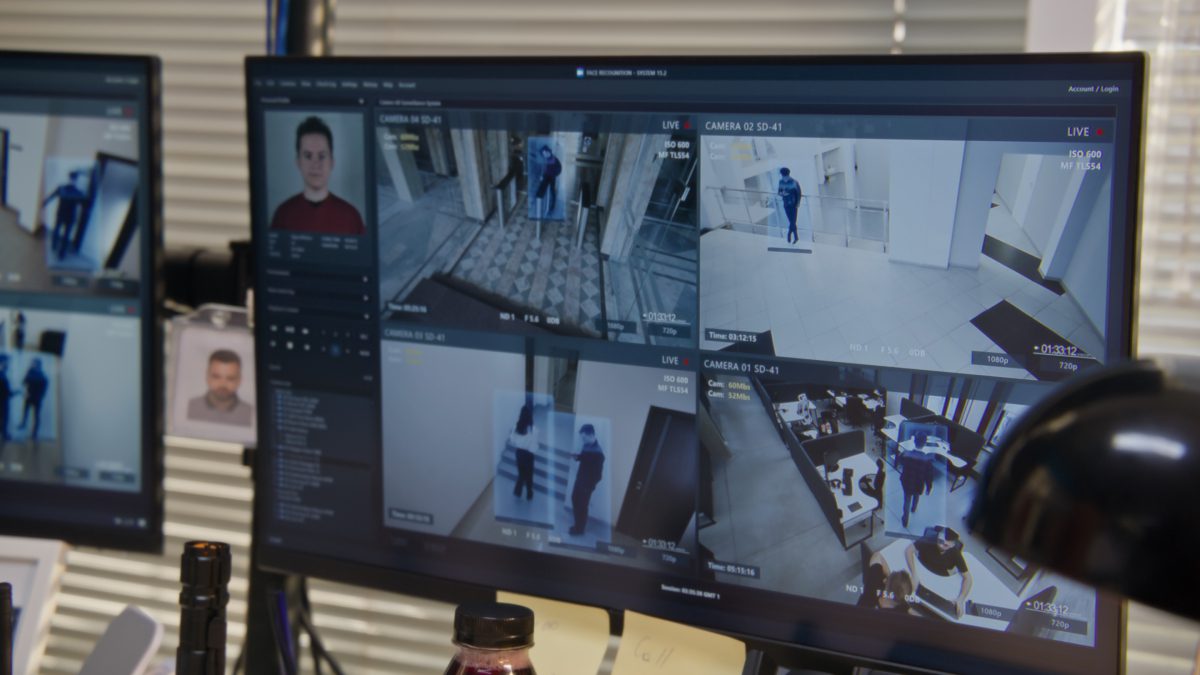
Leverage cutting-edge AI analytics for smarter security decisions. Transform data into actionable insights with DW Spectrum VMS. Our easy-to-use platform enhances cooperation across departments with shared intelligence.

Customized Control
Personalize your surveillance with customizable layouts and rules. DW Spectrum VMS adapts to fit your specific needs and requirements. Enjoy the freedom of custom layouts, camera settings, and user permissions for an optimized monitoring experience.

Intelligent Storage
Strengthen your Video Management System (VMS) with our sophisticated automated backup systems, ensuring seamless redundancy and failover processes for unmatched data protection and compliance. Our extensive storage solutions offer versatility through local, cloud, and hybrid configurations.

Engineered for Developers Annual Agreements
Build and deploy custom security frameworks with DW Spectrum VMS, utilizing our extensive APIs and SDKs to drive technological advancements in surveillance solutions.

Scalable From One to Thousands of Devices
Grow your surveillance network without limits. DW Spectrum VMS supports your expansion from single cameras to enterprise deployments. With advanced health monitoring and failover capabilities, ensure your security is never compromised.
Server Features
Automatically discover, populate, and configure all supported devices on the network.
DW Spectrum lets users add any RTSP, HTTP, or UDP stream from any device (IP camera, drone, etc.) or 3rd party system (DVR, NVR, etc.).
IP Lynx servers using DW Spectrum® system can synchronize user and configuration data in real-time ensuring no single point of failure in any size system (subject to system configuration)
The IP Lynx servers allow users to capture and store video pretty much anywhere – local drives, SD cards, NAS devices or even cloud locations.
web-based interface that is accessed by directly connecting to a Server IP Address.
Every IP Lynx server with DW Spectrum has an IFTT events rules engine that lets operators configure simple or advanced rules based on System-generated or integrated 3rd party events.
Open Built-in Developer Tools are accessible at any time through the server web admin page
Bring DW Spectrum into the Control4 home automation system with a simple integration
Send any combination of notifications – built-in desktop notifications, email, or even via SMS or 3rd party systems using HTTP actions.
Automatic camera failover will be activated when all storage on a server has failed.
Software Features for DW® Client
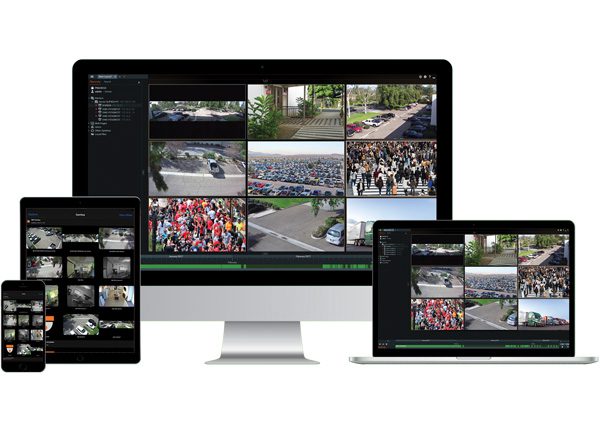
A rich media player with a flexible grid interface, unmatched speed and responsiveness, instant event notifications, an embedded browser, and a user experience unlike any other video management software
Use in-camera video analytics to create rules in the events rules engine
Use the bitrate throttling to dial-in a camera’s network usage and limit its bandwidth and storage usage.
Enhanced Export
Single and multi-video rapid exports, with an added timestamp or customized text and even your own watermark.
Operators can easily export bookmarked video directly from the timeline with a quick click of the mouse.
Users can receive notifications when reviewing video if the original archive has been modified (files modified or removed).
Allows users to create custom IDs for API calls, enabling a simpler integration with 3rd-party systems.
A revolutionary interface that allows users to create an unlimited number of customizable, shareable layouts.
De-warp any live or recorded fisheye video or image, add virtual PTZ tours, and more.
Control PTZ cameras using quick point and click or outline-to-zoom user interface controls.
DW Spectrum® IPVMS client application is an 80 MB installer and can run well even on super lightweight computers
Quickly add users and manage user rights with custom user roles, LDAP/AD integration, and more.
DW Spectrum® IPVMS uses adaptive scaling technology to optimize speed while minimizing CPU and network usage.
View up to 64 video streams on a single layout-with support for MJPEG, H.264 and H.265 live streams.
DW Spectrum® IPVMS client application is an 80 MB installer and can run well even on super lightweight computers
DW Spectrum® IPVMS uses HTTP and SSL to communicate with all system servers for secure, encrypted communications.
Export from DW Spectrum®IPVMS client is simple, fast, and flexible. Export single or multiple cameras or use the rapid review feature.
Search an entire year’s worth of recorded video in less than a second using any combination of keywords, calendar, bookmarks, and smart motion.
DW Spectrum®‘s Soft Triggers give operators the ability to manually trigger any event – event integrations to 3rd party systems (e.g. Access Control, Fire, Building Automation).
Analyze and predict the amount of data being captured by cameras on every storage location in the system to manage storage.
Create completely customizable timed viewing tours of any system resource – live cameras, recorded videos, images, web pages, I/O control panels.
Two Way audio works like a walkie-talkie, allowing operators to engage with individuals or groups through an IP camera’s built-in audio.
Every DW Spectrum® Server has an IFTT events rules engine that lets operators configure simple or advanced rules based on System-generated or integrated 3rd party events.
Manually or Automatically (using the Events Rules Engine) create Bookmarks to highlight critical events and related video.
DW Spectrum® client context sensitive manual has been completely re-written – with new graphical explanations and more!
A full-featured embedded chromium browser to display web pages on layouts.
If a Server with Video Wall licenses fails, the video wall continues working for 7 days.
View up to 64 video streams on a single layout with support for MJPEG, H.264 and H.265 live streams.
Import offline video from wearable cameras, phones, and other devices to archive and share with other users.
Create dual-streaming “cameras” using RTSP, HTTP and UDP to enable adaptive scaling in DW Spectrum clients.
USB webcams and laptop cameras can be managed like IP cameras.
Control PTZ cameras using quick point and click or outline-to-zoom user interface controls.
The panel includes notifications, motion events, bookmarks, events, and objects at a glance.
View seconds, days and months from the same adaptive timeline quickly and instantly.
Export and share video as an executable file with a built-in interface for a unique interactive client experience.
Create rules to open any user-defined layout as an action for roles or specific users.
Export password-protected video for secure sharing of key captured events.
Set a minimum viewing grid size (initial number of viewing grid items) in the layout settings.
The desktop client can be launched using the Command Line Interface (CLI).
Search recorded archives using an entire camera view or specific pixels. Search an entire year in less than a second.
Get notified when system devices (cameras, streams, IoT devices, storage) are offline or underperforming.
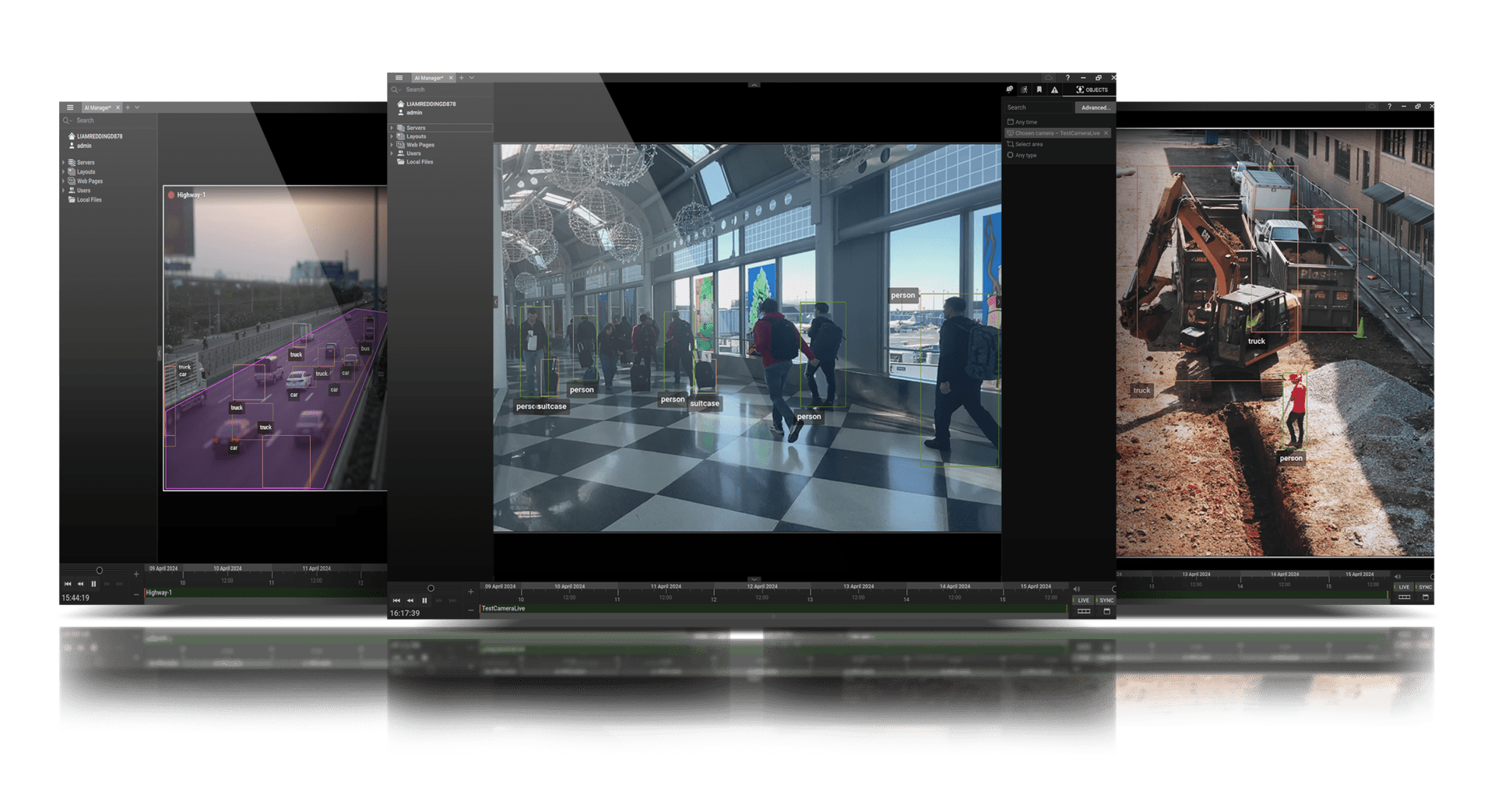
Search objects (people, license plates, faces, clothing, bags, etc) with integrated computer vision partner plugins.
Manage camera streaming and recording settings including changing quality, fps, motion detection and more.
Proxy from outside your local network to the camera’s web page to set up in-camera analytics, events and more.
New native support for MEGApix IVA and IVA+ IP cameras allow users to capture object metadata/events for automation in the rules engine.
Use input and outputs on cameras to trigger events and control connected 3rd party devices like Access / Alarm / Fire.
Take any period (e.g. 1 day) and create a compressed time-lapse of any duration (e.g. 30 seconds).
Force acknowledgment of key notifications and create bookmarks to document key events.
Integrate any 3rd party system or device using standard HTTP events and actions in the rules engine.
Evaluate the video exported from the system to verify the authenticity and check the integrity of the chain of custody.
Manage local HDDs and NAS devices. See real-time usage statistics and utilize available space intelligently.
View real-time server health metrics including CPU, network usage, HDD performance, and RAM usage.
Download available upgrade packages (client + server) and begin updates when ready with the click of a button.
Help prevent account hijacking due to stolen or misplaced credentials.
All Internet requests use OS SSL/TLS Certificate Validation to prevent MITM (man-in-the-middle) attacks.
DServers and clients use bearer token authentication by default.
Combine audio and video from different devices.
Enable additional functionality such as opening and closing cameras and playing and pausing the video.
Desktop clients can be updated separately from the server software.
Search for objects identified by analytics and stored in video archives by attributes.
Group resources (cameras, streams, encoders, web pages) to be used in roles and permissions.
Certain interface elements can be saved and restored upon launching the desktop client.
Hover over the timeline to preview the video in thumbnail format.
Local device or service web pages can be proxied via the Server application and viewed via a remote connection.
Introducing Milesight
A Truly Advanced Line of AI Cameras and IoT Devices with VCA 2.0 and MSense Cameras