
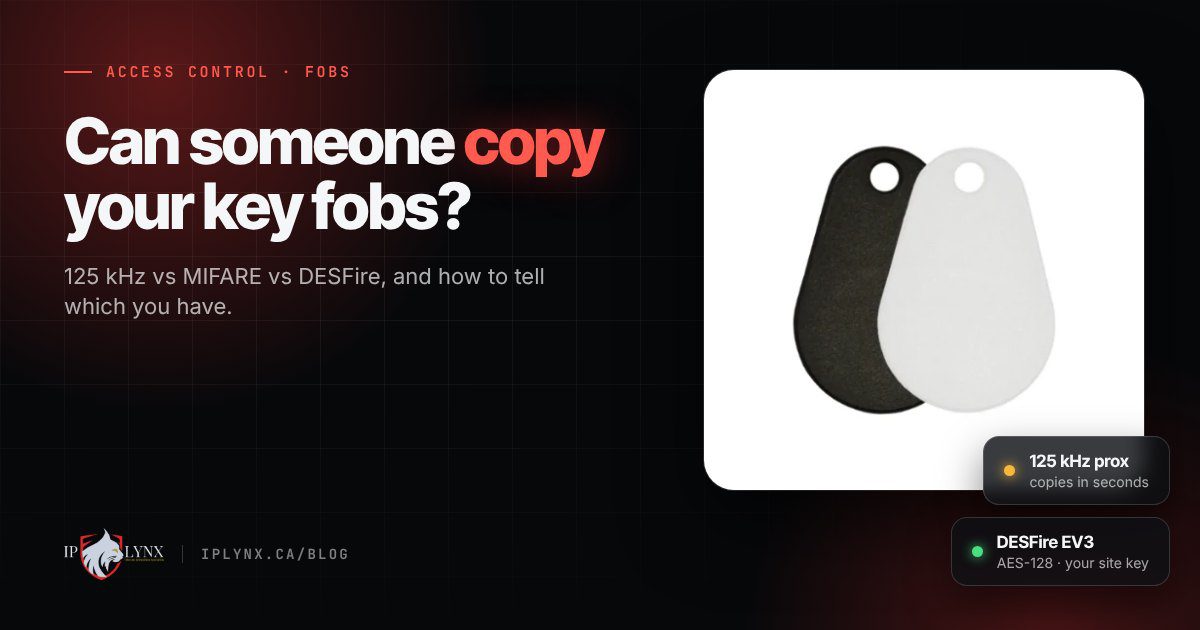
Walk through almost any mall in Ontario and you’ll find a kiosk that will copy your building fob while you wait. For a resident who lost a spare, that feels handy. For a property manager or condo board, it means anyone holding one of your fobs for a few seconds can walk away with a working copy, and you’ll never see it on a list.
Whether that’s possible depends entirely on what’s inside the fob.
The short answer. Basic 125 kHz proximity fobs have no encryption and a $20 gadget can copy one in seconds. MIFARE Classic is better but its old encryption can be broken with specialist tools. MIFARE Plus EV2 and DESFire EV2/EV3 use AES-128 encryption with a key generated for your site, and readers set up with that key ignore anything that wasn’t programmed for you.
The four fobs, from easiest to copy to hardest
All four look and feel the same in your hand. The difference is how the reader checks them.
125 kHz proximity: basic
The oldest and cheapest kind, and still the most common in older buildings. The fob simply broadcasts a number, and the reader opens the door for anything that sends the right one. There’s nothing secret about it, which is why cheap cloners work.
It’s fine for a gym gate, a storage room or a low-risk door. It’s a weak choice for the front door of a condo or an office.
MIFARE Classic: moderate
A 13.56 MHz fob that’s locked with a key unique to your site, so a basic cloner won’t copy it. It’s a real step up from 125 kHz. The catch is age: the encryption it uses was broken years ago, and people with the right tools and some patience can get past it.
MIFARE Plus EV2: high
Modern AES encryption with your site’s own key. It’s the usual upgrade path for buildings on MIFARE Classic that want to move off it without changing their readers.
DESFire EV2 / EV3: high
The same chip family that banks and transit systems use. AES encryption with a key generated for your site, built to resist cloning and replay attacks. This is what we recommend for condos, offices and any door where security matters most.
How to tell which fobs your building has
You don’t need to take anything apart:
- Check your paperwork or the reader. The reader model, or the original invoice for your fobs, usually says it outright.
- Try an Android phone. With NFC turned on, most Android phones beep or vibrate when you hold a 13.56 MHz fob (MIFARE or DESFire) to the back. If nothing happens at all, it’s most likely a 125 kHz fob.
- Send us a photo. A picture of an existing fob and the reader beside the door is often enough for us to tell you what you have.
What switching actually involves
Moving to secure fobs doesn’t always mean ripping everything out.
- If your readers already support MIFARE Plus or DESFire, it can be as simple as programming new fobs with your site key and setting the readers up to require it.
- If you’re on 125 kHz readers, the readers have to change too. Many buildings do it in stages, door by door.
- New fobs still need to be issued. Every fob arrives programmed with your site key and its number engraved, but someone still enrols it in your access control system and gives it to a person with the right access level. Nothing opens a door until you’ve done that.
What secure fobs cost
Ordered through our fob and card page, prices per fob at our standard 50 to 99 quantity are $6.95 for 125 kHz, $9.95 for MIFARE Classic, $12.95 for MIFARE Plus EV2 and $14.95 for DESFire EV2/EV3. Larger orders get a discount, small orders carry a small setup surcharge, and the minimum order is 10. Prices in CAD, before tax and shipping.
Put another way, the difference between a fob anyone can copy and one that’s built to resist it is about eight dollars a fob.
One more thing for condo boards
Keep your fob numbering clean. When every batch is programmed under your site’s facility code and logged as it’s written, a reorder carries on from your last number, so two people never end up holding the same fob. It makes a lost-fob call much simpler, too.
Not sure what you have? Build a fob order request with a photo of an existing fob and we’ll confirm the type before anything is programmed. Planning a bigger upgrade for a building in Windsor-Essex or anywhere in southwestern Ontario? Book a demo and talk it through with the team.